Shoal
Coming soon to the Mac App Store.
An aquarium for your desktop
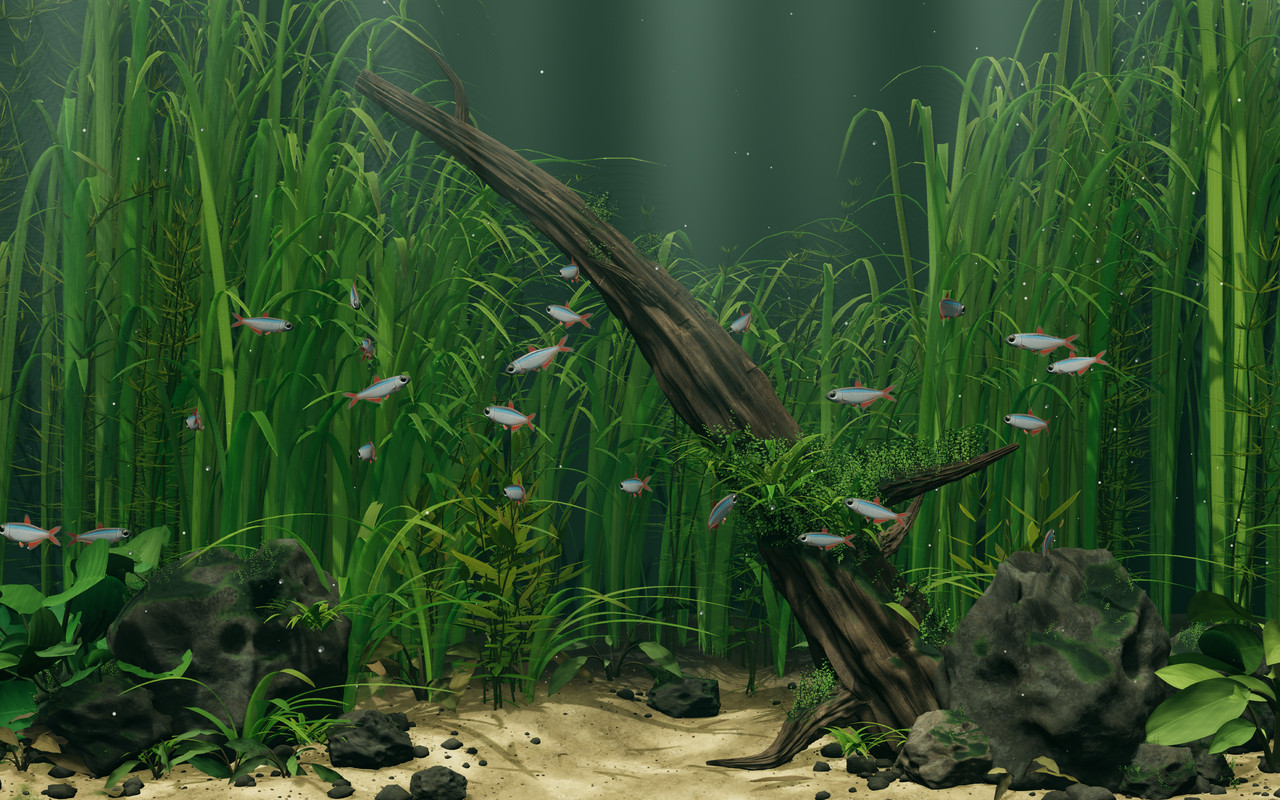
Shoal puts a live 3D aquarium behind your Mac’s desktop icons. Fish swim past driftwood and swaying plants, and react when you move the cursor nearby. Drop in a pinch of food and watch the school rush over.
On one screen or several
Shoal runs on every connected display. A fish icon in the menu bar gives you the controls; there’s no Dock icon or window to keep open.
The animation slows down on battery or when windows cover most of the desktop. It stops when the desktop is almost fully covered, the screen is locked or asleep, or Low Power Mode is on. The menu tells you when it’s paused and why.
Save a still as your desktop picture to keep the view when Shoal is closed. You can also save an image to a folder of your choice.
The aquarium works offline. Shoal has no accounts or tracking and collects no data. Apple handles Pro purchases. Read the privacy policy for details.
Free
The free aquarium has 24 fish in Riverscape, a planted riverbed with shafts of light through the water and ripples of light across the sand. It includes:
- Balanced quality and day lighting.
- Feeding and Pause / Resume from the menu. Shoal remembers when you pause.
- An aquarium that stays still when Reduce Motion is on.
- The option to open at login.
- Still images to save or use as your desktop picture.
- The aquarium on every connected display.
Riverscape comes from Chase Lean’s open-source desktop-habitats project. Everything included in the original scene stays free.
Shoal Pro
Shoal Pro is a one-time purchase. With it, you can:
- Add more fish, up to 48.
- Choose Reference quality for more detailed shadows and fuller planting, or adjust the plant density yourself.
- Limit animation to 30 frames per second to reduce demand on your Mac.
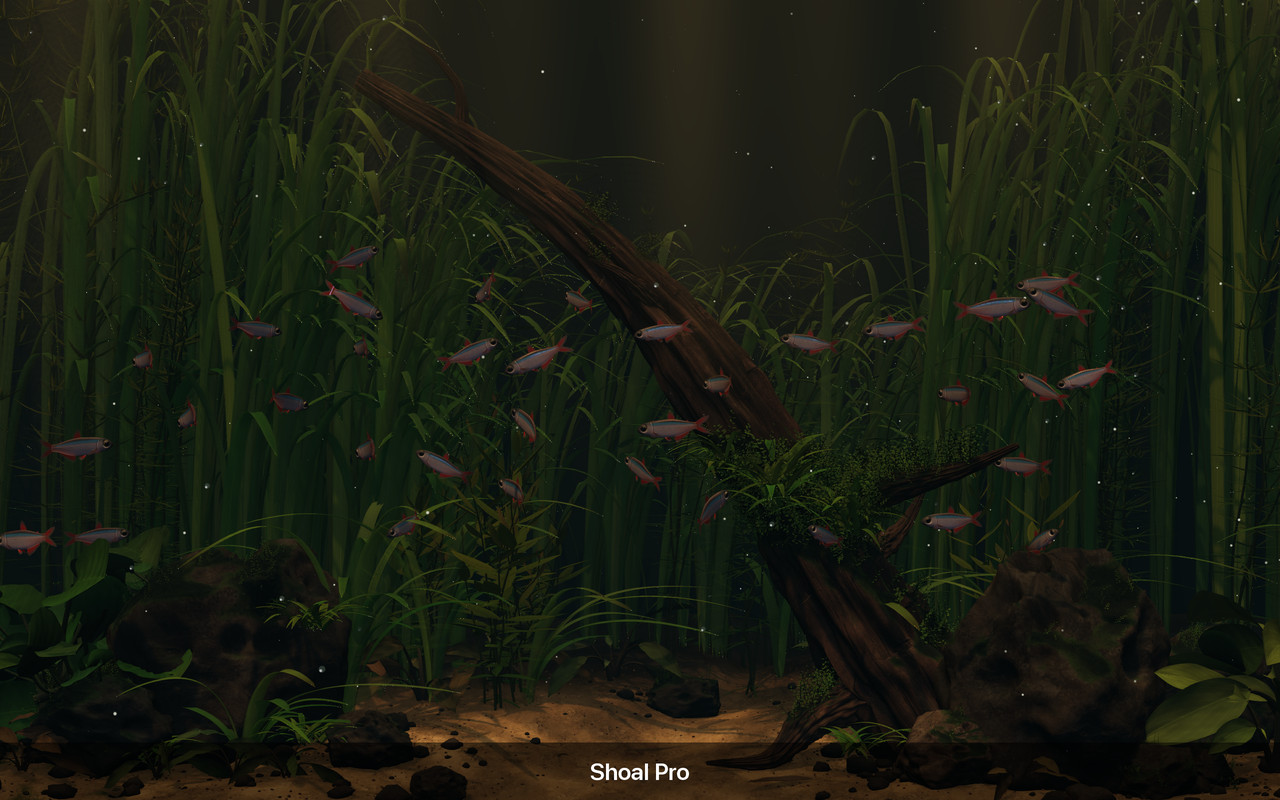
- Pick dawn, day, dusk or night lighting, or let it follow your local time.
- Turn on gentle water sounds while the aquarium runs.
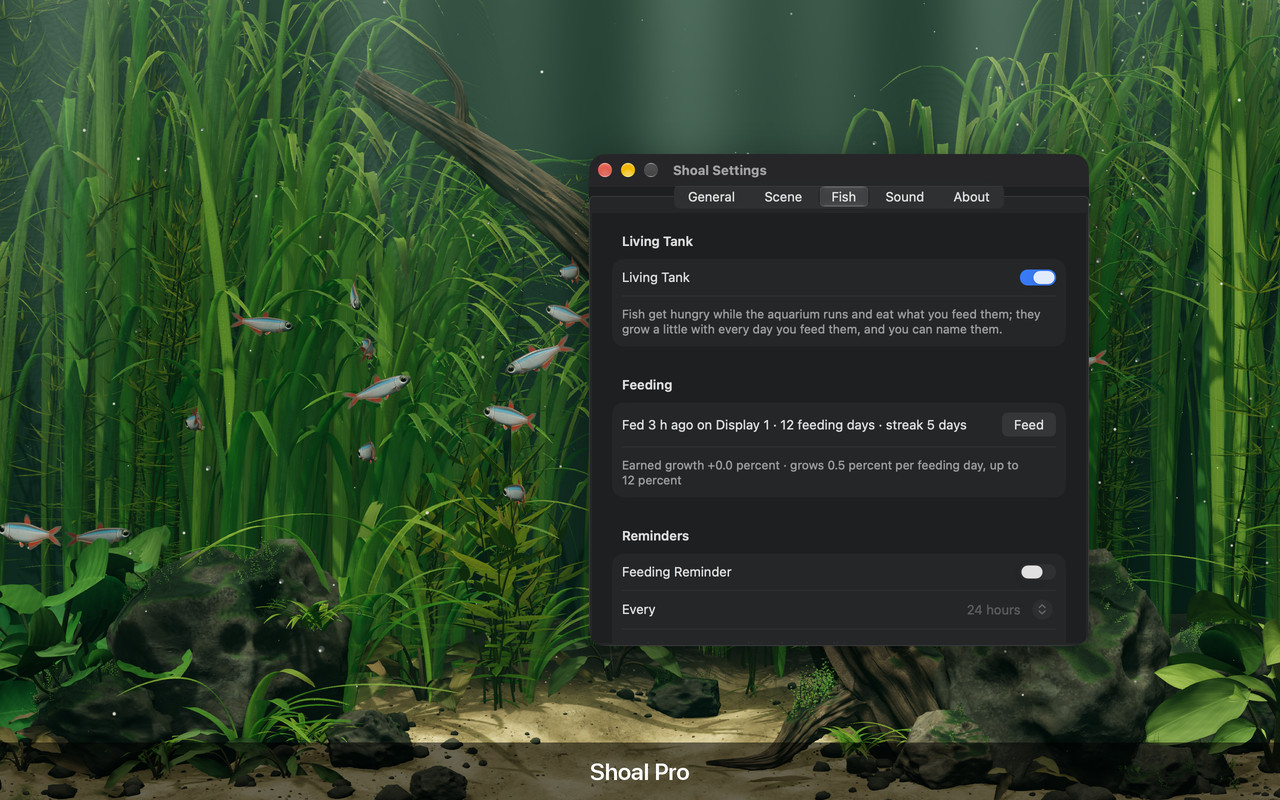
With Living Tank on, you can name the fish and watch them grow a little on each day you feed them. They get hungry while the aquarium runs, so you can check on them in the Fish tab and set an optional feeding reminder. Use Show to pick out a named fish in the school.
Requirements
Shoal requires macOS 14 (Sonoma) or later.
Press kit
Shoal is a live 3D aquarium wallpaper for Mac, free with an optional one-time Shoal Pro purchase. It requires macOS 14 or later and is coming soon to the Mac App Store.
The screenshots on this page are 1280 × 800 and free to use in coverage. For help with the app, visit support.
Acknowledgements
Shoal builds on open-source work. Full license notices are included in the app.
- desktop-habitats by Chase Lean, MIT License: the Riverscape scene, including its fish, plants, water, feeding and rendering, and the design of the Mac app that hosts it.
- Three.js 0.180.0, MIT License: the 3D engine.
- Poly Haven, CC0: Rock Boulder Dry, Rough Wood and Sand 01 textures.
Shoal’s ambient water loop was synthesized for this project. It uses no recordings or third-party samples.